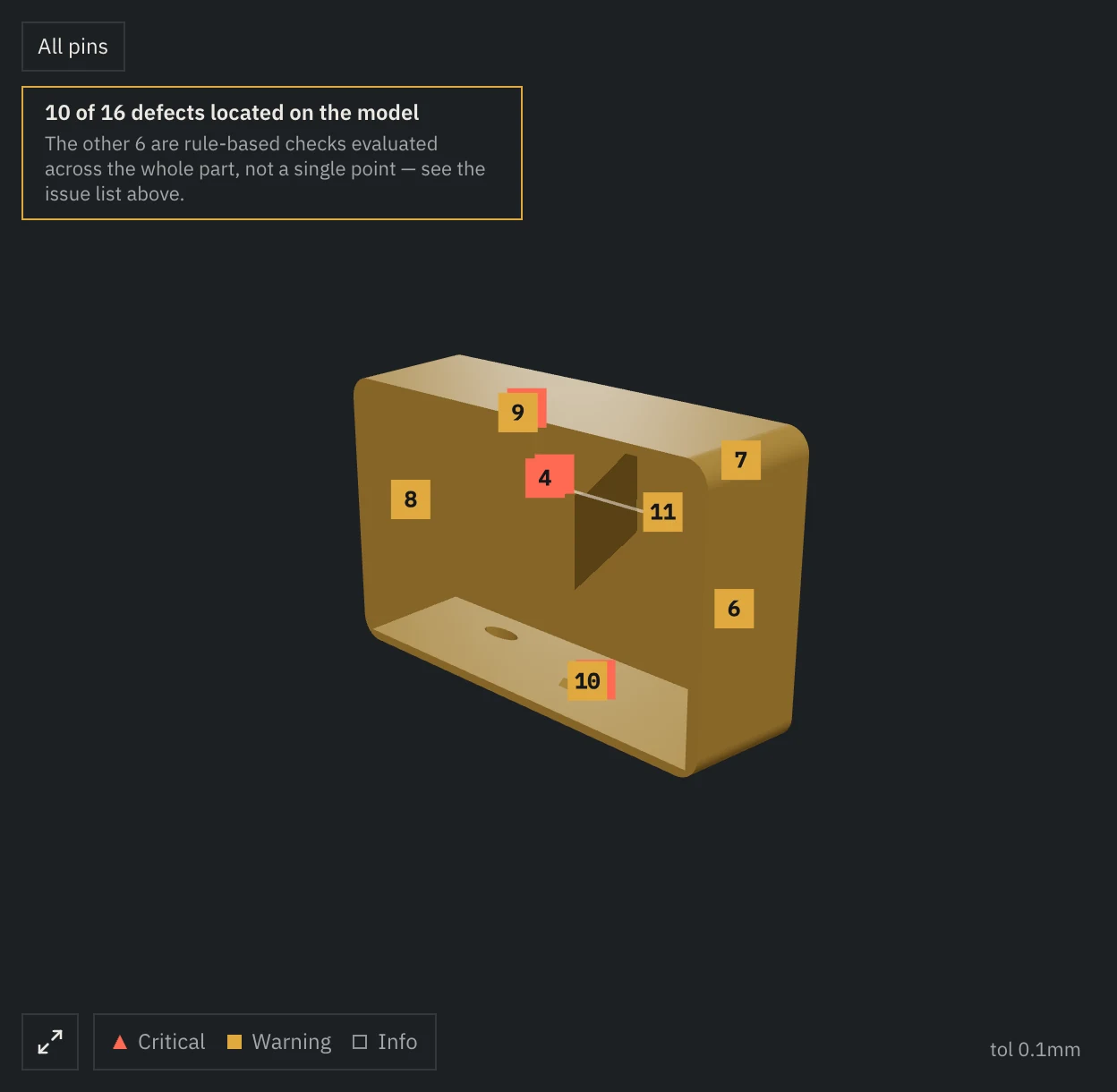
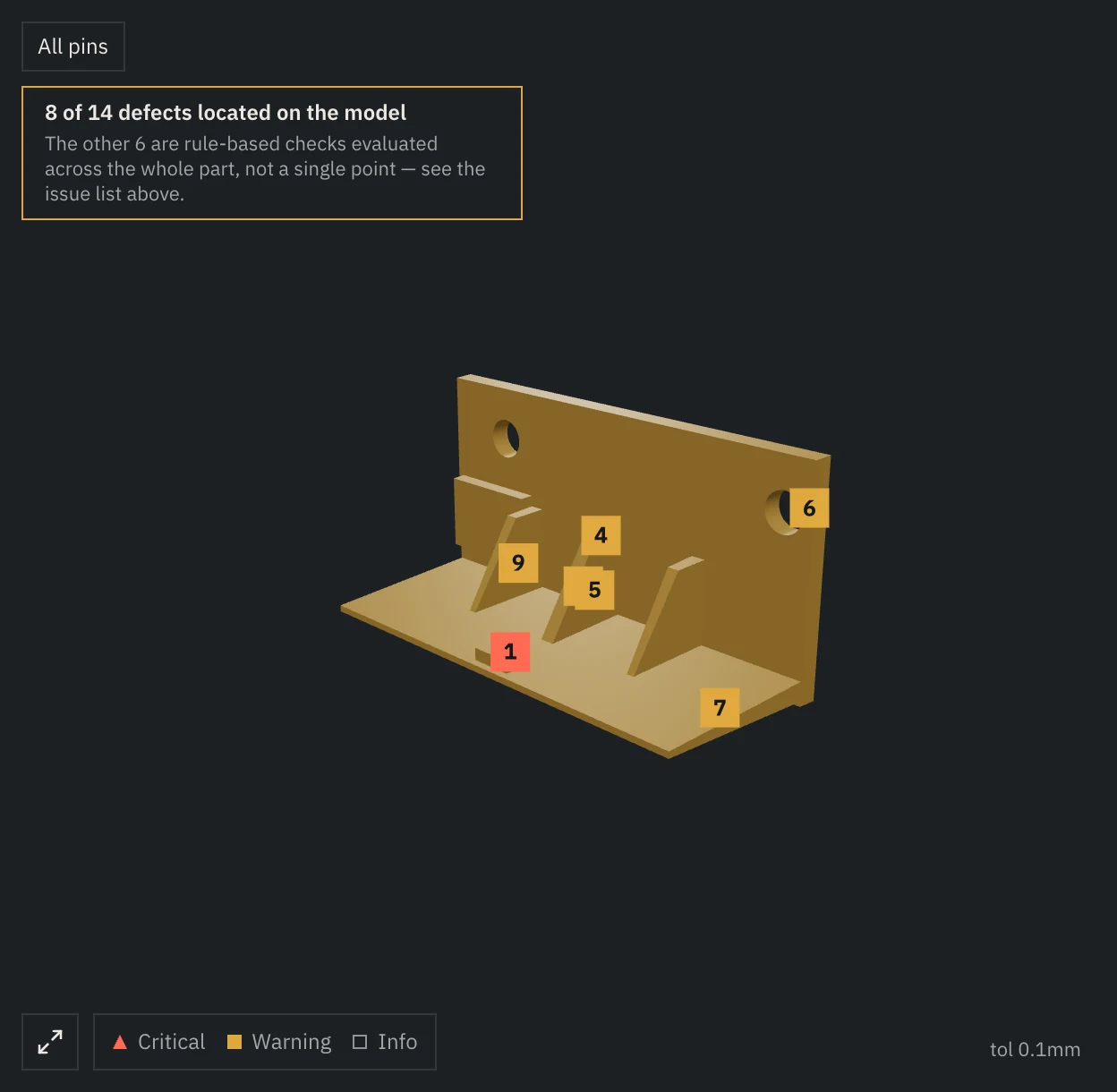
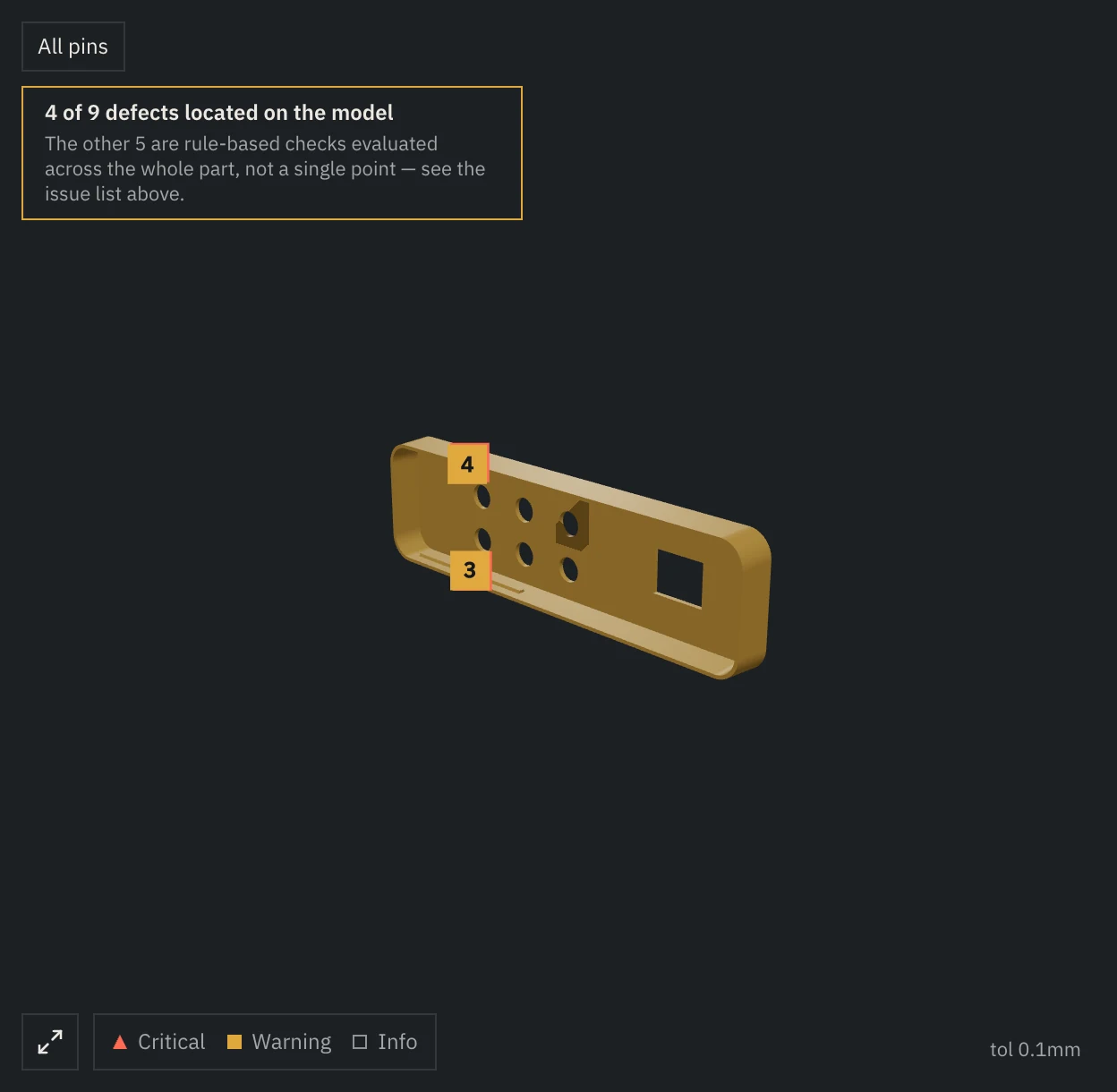
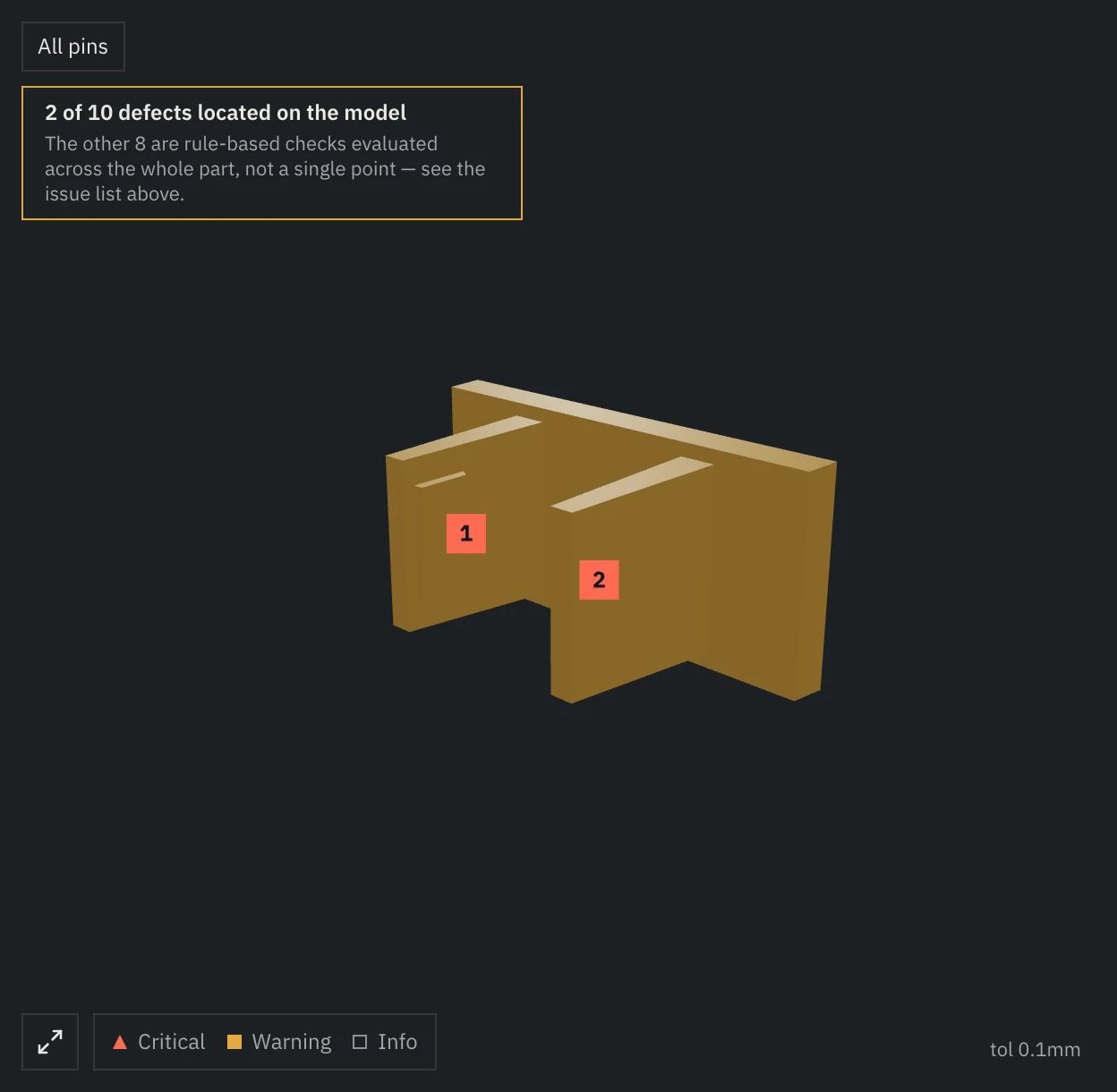
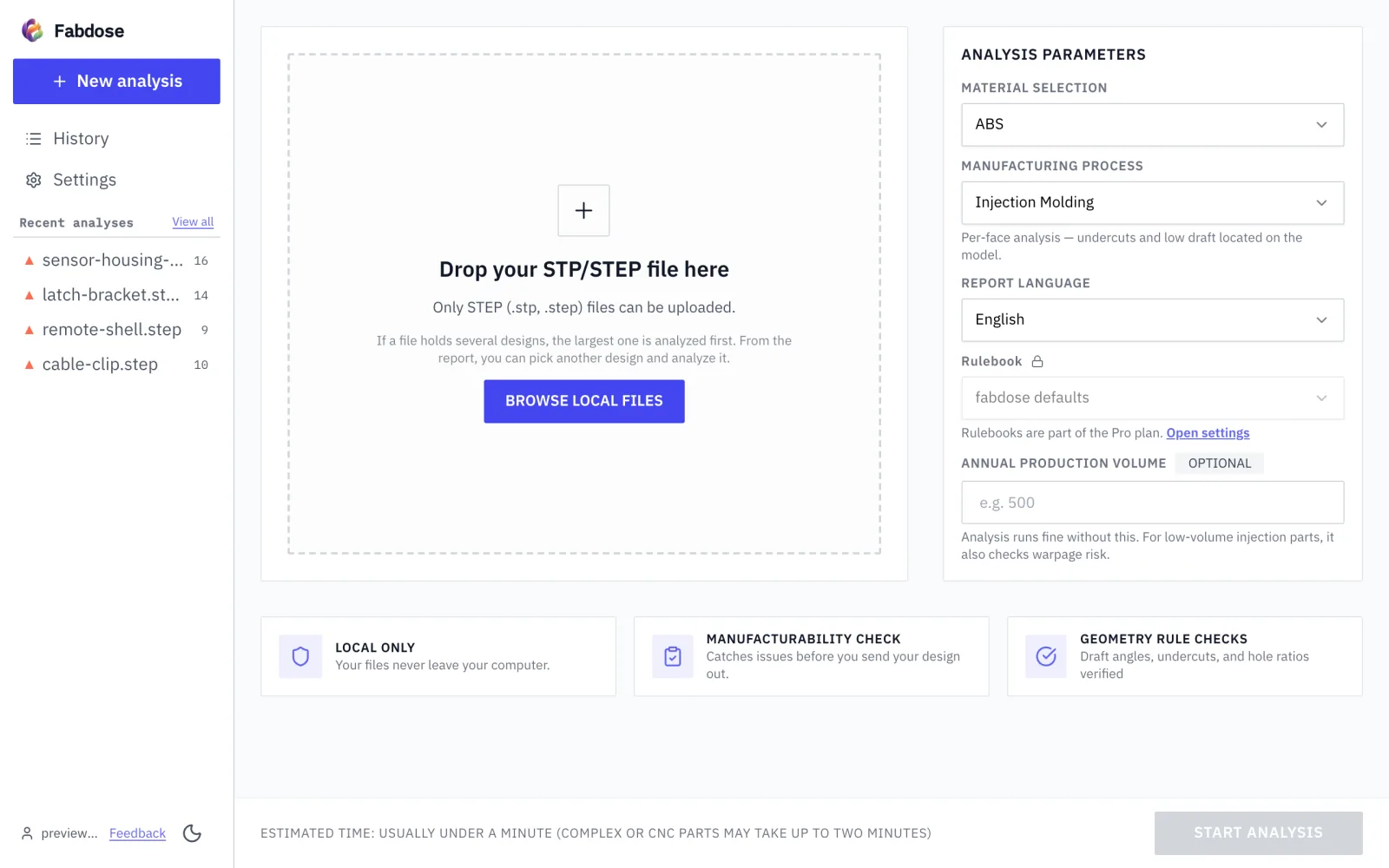
A student uploads the finished piece's STEP file and picks a process; the issue list comes up with a fix on each issue, and issues with a located spot are pinned on the model. Then they export the report as a PDF.
A desktop app for macOS and Windows. Free is a combined limit of 5 analyses and 30 chat questions; Pro is $35 per month, or $350 billed yearly.
Shape A
Shape B
Shape C
Shape D
02 Work flow
From a finished piece to a PDF
The steps a student runs on a finished piece's STEP file.
F1 Piece finished
Prepare the finished piece as a STEP file.
F2 Upload file
Upload the piece's STEP file and pick a process on the upload screen.
F3 Issue list
Pick an issue to see its fix; for an issue with a located spot, a pin on the model points to it.
F4 PDF
Export the report as a PDF and pass it on as a file.
03 3 steps
Pick a file, choose a process, export a PDF
M1 Pick STEP
Only STEP files can be uploaded
Both .stp and .step extensions work.
M2 Choose process
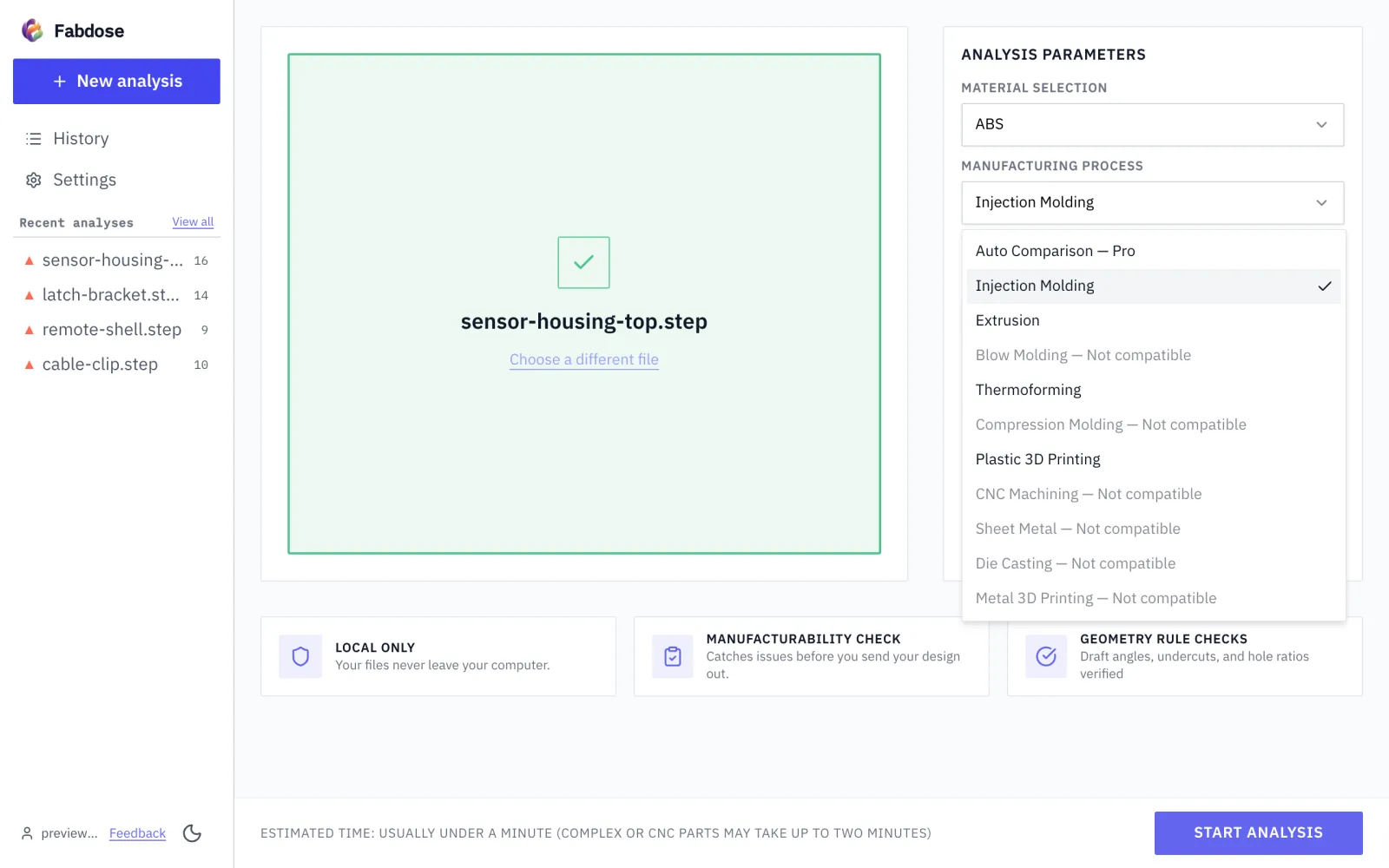
Choose the process on the upload screen
Other processes besides injection molding can be chosen for analysis too.
M3 Export PDF
Read the issue list, then export a PDF
04 One PDF page
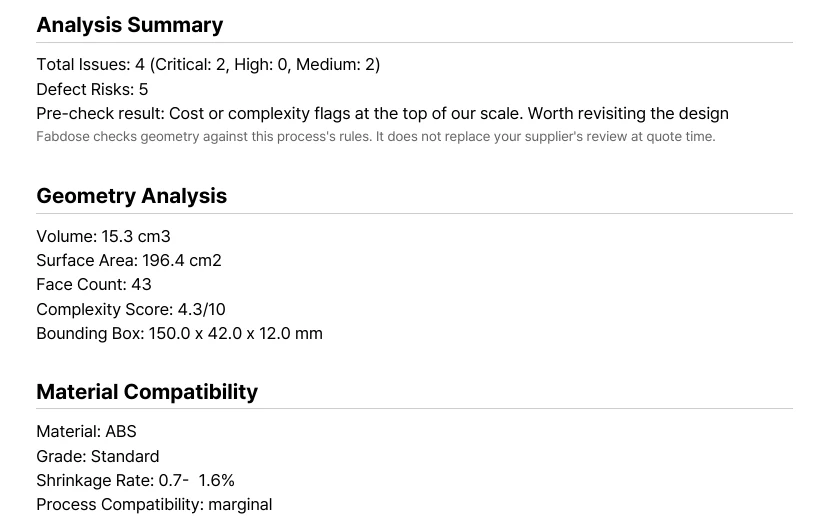
The report exported as a PDF
First page, enlarged
It is the exported analysis report, which has an issue list and fixes.
The exported file is an ordinary PDF, so the person who receives it can open it without fabdose. It has no 3D location image; the issues and fixes are in text.
05 Limits for decision makers
It doesn't replace instructor guidance or manufacturer review
Free is a combined limit of 5 analyses and 30 chat questions; Pro is $35 per month, or $350 billed yearly.
For corners and pockets, only inside concave corner radii and blind pockets are measured. Holes, ribs, bosses and fasteners are not detected.
This site uses analytics and session-recording cookies to understand how designers use Fabdose and to improve the product. Your CAD files are never involved. See our Privacy Policy.
STEP File Check and PDF Report for Final Projects | Fabdose